01
Download the app
Get PriceBuddy on the App Store or Play Store. Search “PriceBuddy Costco” if it doesn’t show up right away.
Find Costco price adjustments automatically — you import your purchases, we find all eligible savings, and you get money back!


Free to download. $2.49/mo or $19.99/yr after free trial. Not affiliated with Costco.
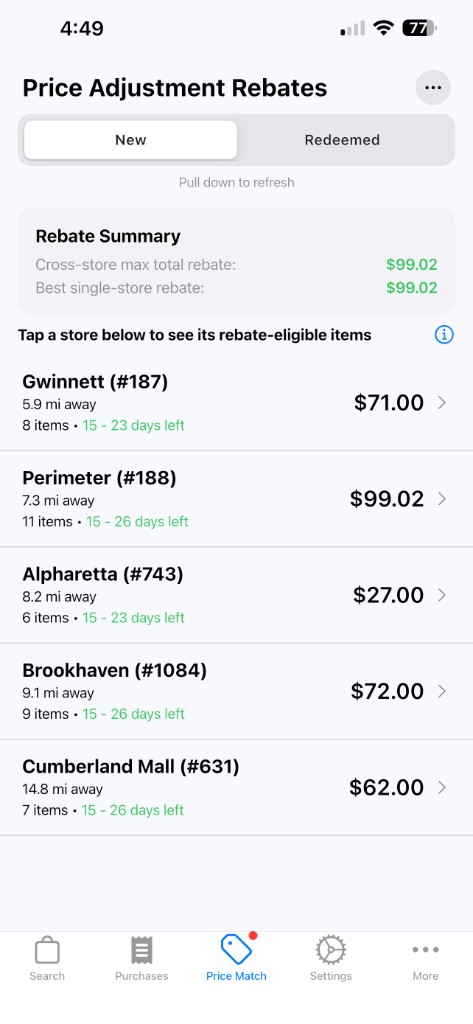
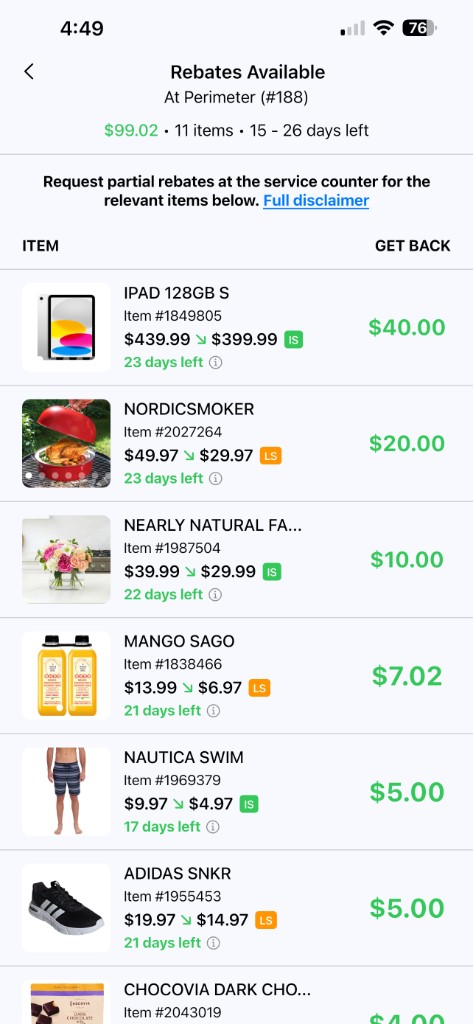
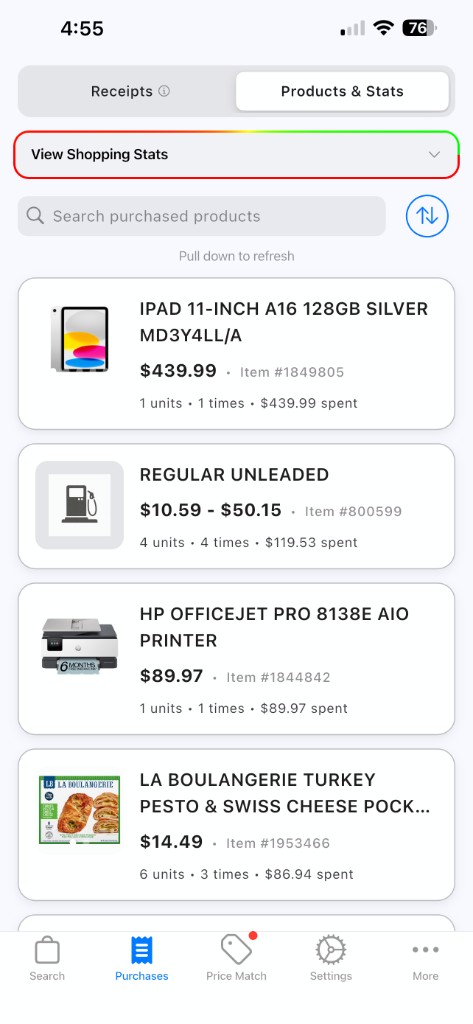
Price Match — rebates by warehouse
Import your purchases, view price drops, and claim price adjustments at the Costco returns counter on your next trip!
Get PriceBuddy on the App Store or Play Store. Search “PriceBuddy Costco” if it doesn’t show up right away.
On the Purchases tab, follow the prompts to import your Costco in-store purchase history.
We’ll surface price-adjustment opportunities based on what you bought and recent warehouse price changes.
Enable push notifications so you know when new rebate opportunities appear — before the 30-day window closes.
Next time you’re at Costco, ask for eligible price adjustments at the returns counter before you leave.
No more mental math on what dropped. PriceBuddy watches so you don’t have to.
Quick answers before you download.
The app is free to download. After a free trial, plans are $2.49/mo or $19.99/yr.
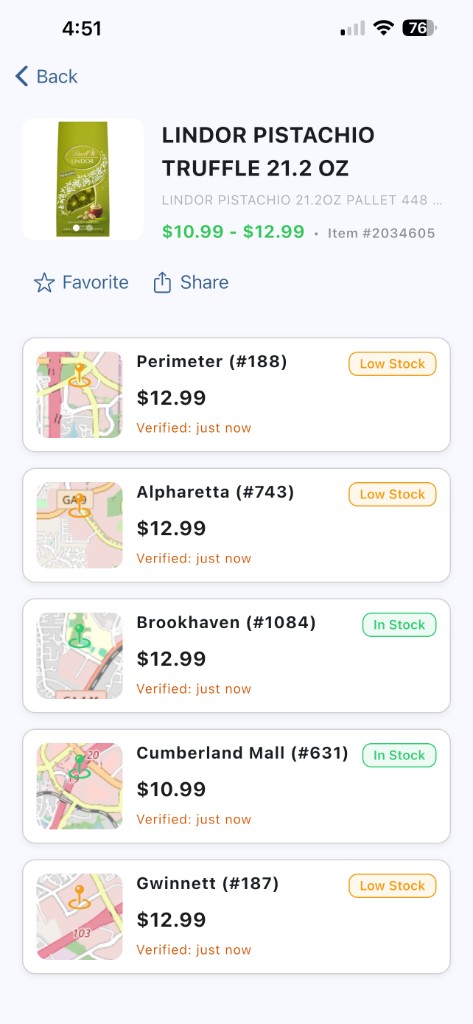
Yes — use the Search tab to look up products across warehouse locations.
Yes. Open the Purchases tab in the app.
First, make sure you’ve imported your recent Costco in-store purchase history and configured your account. If you still see nothing, it’s possible no rebates are available for you right now — check back later.
Absolutely. We aim to add more retailers over time so you can save even more.
Download PriceBuddy and start tracking price drops today.